Pages

Monday, 15 April 2013

Things 22 and 23: The End

Reflections on 23 Things
On the whole I have enjoyed the 23 Things journey. As I have given my thoughts on the Things as we went along I won't recap them again. 

All of the instructions were very well thought out and written, thank you to the Sot23 Things team for the time and effort you all put in.

I found the whole idea of reflecting on my learning daunting and it made me nervous when it came to writing my first few blog posts. Maybe if the course is re-run it could be adjusted and simplified so participants are asked to have 3 questions in mind when they blog about each thing: what you knew before, what you learn, and how you will use your newfound knowledge in future. That way participants can focus on the Things rather than feeling intimidated by the concept of reflective learning, which may be something totally new to them.
Many of the Things took far more than an hour to explore and blog about, especially the weeks where the Things related to ‘time management’ (oh the irony), ‘networking’ and ‘getting organized’.
I think that future reruns of the course could make it easier for participants to engage and keep on target if more of a community feel was developed. This could take the form of Google Drive being moved to the start of the course and participants being encouraged to write their thoughts/comments/struggles on a shared document that everyone can contribute to. This could also help if people are finding one of the Things difficult as it could function as a help and advice forum, with participants sharing their knowledge and troubleshooting tips.
Alternatively, people could be encouraged to sign up for the course in pairs and write a shared blog. That way they could split the workload when it felt too heavy for one person to manage and would be able to support and encourage each other.
Maybe all participants could be asked to create a blog using the same platform (either Blogger or Wordpress) to make posting comments on each other’s blogs easier. The instructions for turning off the annoying word verification spam filter could be provided at the start; I haven’t used it and have not had any spam (so far!).
The timing of the course was perfect for me as I got my first ever smartphone at the end of last year and it made several of the tasks much easier, especially Flickr and the photography competition (but also adding photos to my blog posts). I know the library has several smartphones and tablet devices available for participants to use but it would be very useful each device came with a set of instructions relevant to the specific tasks, such as how to take photos and upload them to Flickr, and how to access and use the QR code reader.  Again, this is the area where working in pairs or groups could be useful if participants have to get to grips with new technology and new Things all at the same time.
I would change around the order of the Things and replace a few of them with different things.  I would move Google Drive to the second week so that participants could communicate and collaborate more easily and move Creative Commons nearer the start of the course so that participants know from the start which images from the web they can use on their blogs and why.
I would join Things 1 and 2 (create a blog, write a blog post) together as a single Thing and take out LibraryThing (or maybe offer it as an optional extra) which would mean we could add in 2 different Things, maybe YouTube, wikis,  Survey Monkey,  Scoop.it or Storify. I would also take out EndNote and replace it with Sharepoint as that has more relevance to the University of Southampton.

Thank you to everyone who has read or commented on any of my blog posts, but now it’s…

23 Things Summary, Part 2

(No video this time, just the photos below.)


Wednesday, 10 April 2013

23 Things Summary: Part 1

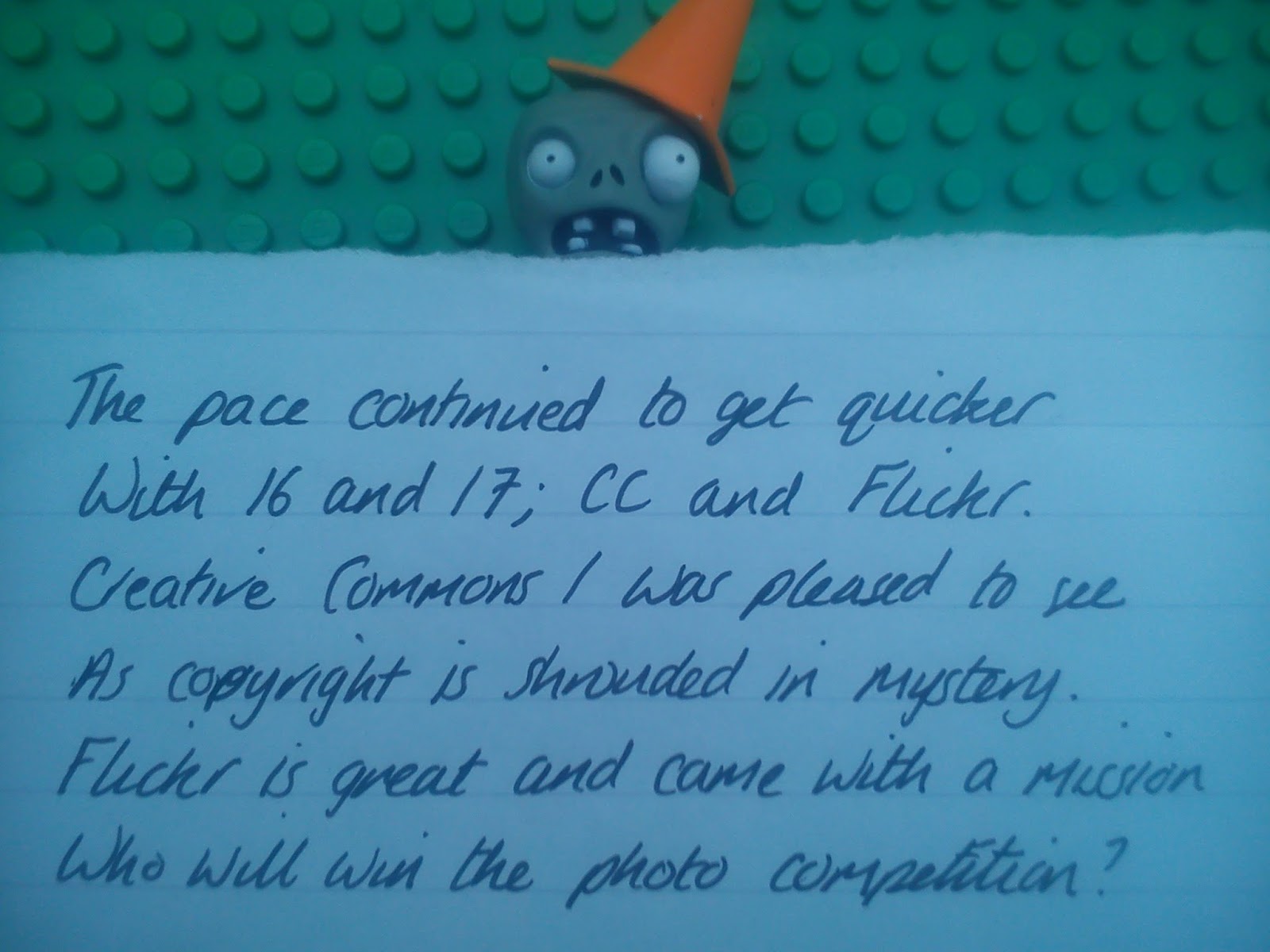
Mr Conehead has kindly helped me compose a poem about our 23 Things journey...

(Also shown as photos underneath as I have a sneaking suspicion that the video may not play properly on all tablet devices)


(All of these photos came through upside down and I couldn't work out how to turn them round so I Googled it - all photos that you add to a Blogger blog are automatically added to your Picasa album and you can rotate them within that, then the change gets carried through to the blog. How cool is that? I didn't even know I had a Picasa album. Still learning!)


...Part 2 is here

Monday, 8 April 2013

Flickr Photography Competition reminder

iConcede by Nicki Clarkson
iConcede, a photo by Nicki Clarkson on Flickr.
This photo is my latest entry in the technology category of the 23 Things Flickr photo competition.

It was inspired by the episode of Horrible Histories shown on the screen. I liked the juxtaposition of Luddite and technology which sums up my relationship with computer related things - I love it when it does what I want but dislike and fear it when I don't understand it.

I have entered a shameful number of photos into the competition, I'm that desperate for the stunning prize. But there's still time for you to enter and pip me to the post...

Thursday, 4 April 2013

Knitting

Sausage by Nicki Clarkson
Sausage, a photo by Nicki Clarkson on Flickr.

This is Sausage. I managed to knit him in between the hectic rounds of celebrity parties that make up my jetset lifestyle. He is not one of the 23 Things!

Monday, 25 March 2013

Thing 21: Google Drive

I asked in our office whether anyone had used Google Drive and the consensus was that I meant the self-driving car that hit the news headlines a while ago and therefore no, they hadn't tried it.

Google Drive is a service that lets you store your files (photos, videos, presentations, spreadsheets and the like) on the web so you can access them from wherever you are, from whatever device you happen to be using (smartphone, tablet, computer) and share them with whoever you choose. Technical terms that you may wish to add into that sentence include 'cloud storage' and 'file synchronisation'. You get 5GB storage for free then can pay for more if you need to.

Although I haven't used Google Drive before I have used Dropbox which works along similar lines; I use it for transferring photos between my lovely android phone to the iPad or computer. As I mentioned in a previous blog post I hated Dropbox with a passion until I worked out how to use it and now I love it.

Google Drive looks to be equally useful with the added advantage that you can create documents/spreadsheets/presentations/drawings within Google Drive as well as uploading them. I tried this earlier by creating a document and sharing it with a colleague who then added to it (thank you Emma!) so I can see how it could be useful for collaborating on work.

Unsurprisingly if you try to use Google Drive in Internet Explorer it comes up with dire warning messages about unsupported browsers and an unsubtle message that it works best in Google Chrome but it did work for me in IE.

Google Drive is one of the 23 Things that I will probably use in future; this has been a useful Thing to explore.

(Photo added from Dropbox!)

Thursday, 21 March 2013

Thing 20: Slideshare

Slideshare is another one of those things that I'd heard of but had no further knowledge of. I've seen it described as doing for powerpoints what YouTube does for videos and although I agree that powerpoints can be very useful I don't spend that much time actively seeking them out.

I was very disappointed by the lack of search functionality in Slideshare and after about 5 minutes of trying to find an interesting, recent and relevant presentation on various library issues (open access, institutional repositories, 23 things) I changed my strategy and decided to look for presentations on the Ancient Greeks instead?

Why the Ancient Greeks?, I hear you ask. Well my friends, I am doing a MOOC and so far I am really enjoying it and have learnt a lot. Admittedly I am only in week 1 of the course but the lectures (delivered by video) are very engaging and I have successfully passed the multiple choice quiz that went with the learning for this week. If I have enough time I will create my own presentation about it and upload it to Slideshare but for now I leave you with an existing presentation:


I think that Slideshare probably is a very useful educational resource if you want to share your own presentations with colleagues, or if colleagues send you the link to presentations they have uploaded but the search facility is so basic it is infuriating. Because Slideshare is so popular and so heavily used it is very hard to find presentations on specific topics because it returns so many results which can then only be filtered by relevance (hmm), date of upload or file type. I searched for "University of Southampton" and got thousands of results, most of them seemingly irrelevant, whereas I was expecting to see material obviously relating to this specific university at the top of the list. Maybe Slideshare needs a discovery layer? Or maybe it's just me.